 DestinaView
Every trip, one clear view.
See your whole trip on one page, with what's paid and what's still to pay right next to every item. Made for people who like to stay organized.
Free to use. No sign-up. Your trips stay on your device.

Emails, screenshots and spreadsheets, in one view
Everything in one place
Flights, stays, meals and plans, day by day or the whole trip at once.
Paid and still to pay
Every cost is marked Paid or Unpaid, with totals for both and for the whole trip. Deposits and balances stop slipping by.
Clean to share
Send a tidy PDF or Excel copy to anyone on the trip, or add the stops to your calendar.
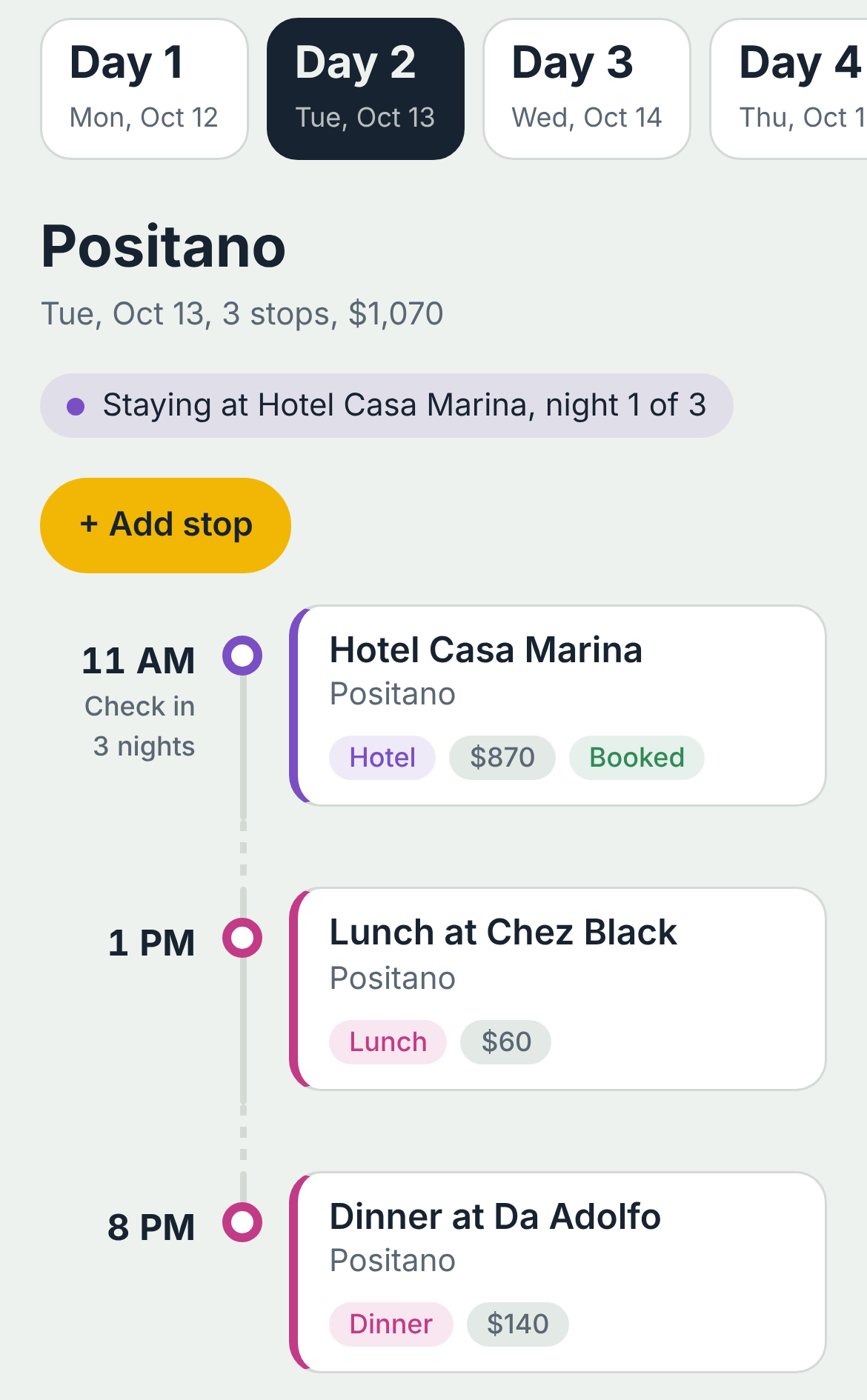
The same trip on your phone
Each day shows its stops in order, with times, costs and check-in details. Hotels add their nights automatically, and overlapping plans are flagged.
On an iPhone, open destinaview.com/app in Safari, tap Share, then Add to Home Screen. It opens like an app, and once it has loaded it still opens without a signal.
How it works
Add your stops
Type them in, or import a spreadsheet of your bookings.
See the whole trip
Switch between the day-by-day timeline and one table of everything.
Mark what's paid
Check off costs as you pay them and share a copy when you're ready.
Also included
- A day timeline that flags overlaps and free time
- Hotels with check-out times and night-by-night entries
- Flights with next-day arrivals
- Budget by type and by day, with split costs
- Packing lists and before-you-go to-dos
- Weather for each day and a currency converter
- Photos on each stop, for tickets and memories
- Backup and restore, so your trips can move to a new phone
Plan your next trip.
It's free to use. Your trips are saved on your own device, so use "Back up all trips" now and then.
Start planningAn iPhone app is planned. Email hello@destinaview.com to hear when it's ready.